
Save your garden
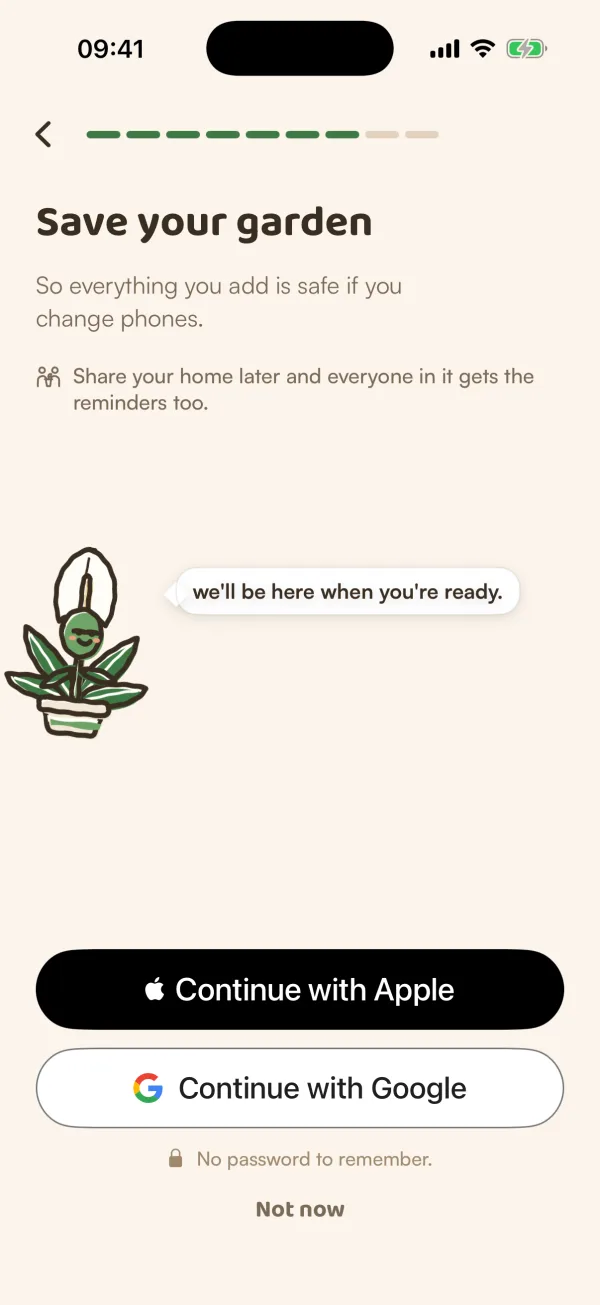
Until you save it with Apple or Google, your garden lives only on this phone and Fern keeps one plant. Saving keeps it safe and starts your 14-day free trial.
On this page
You can start Fern without an account. Until you save, you're a guest: your plants and their history belong to this phone only. Saving your garden ties them to your Apple or Google account, so they're safe if you change phones, and it starts your 14-day free trial of Fern Pro. There's no password to make and no card to enter.
Save it
Fern offers to save your garden near the end of setup. If you tapped Not now there, you can save any time:
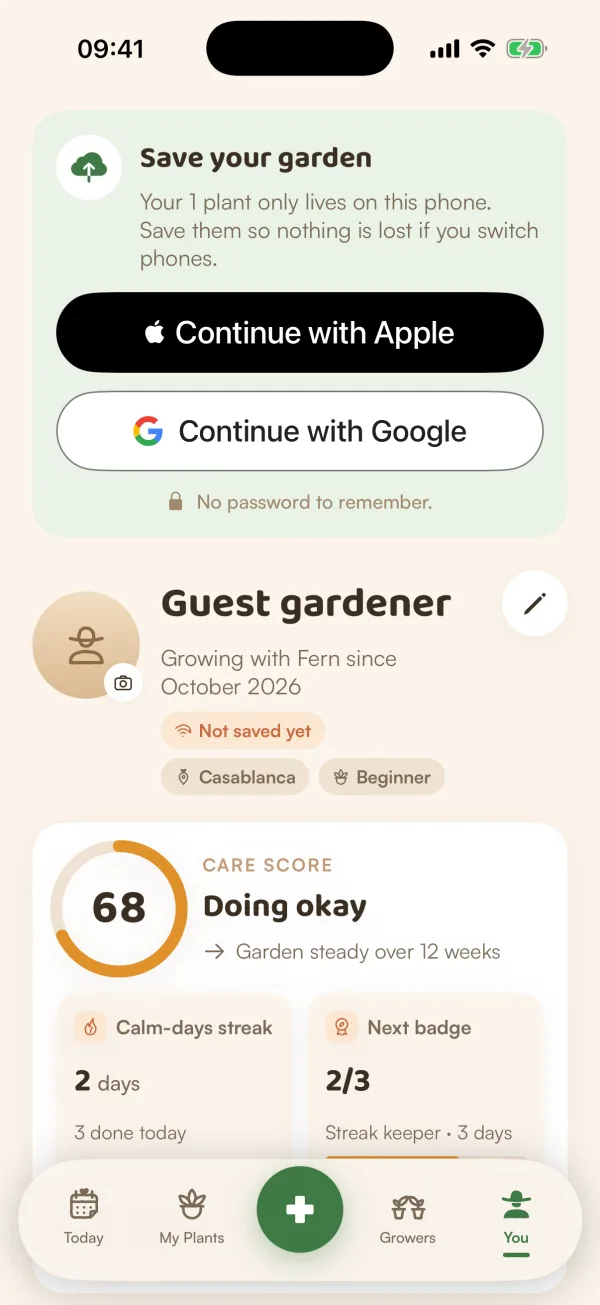
- Open You. A green card at the top says Save your garden, and that your plants only live on this phone: "Save them so nothing is lost if you switch phones."
- Tap Continue with Apple or Continue with Google. "No password to remember."
- Confirm in the Apple or Google window that opens.
Your plants, homes and care history stay exactly as they were, now saved to your account. The "Not saved yet" chip under your name goes away, and your free trial begins.
You'll also be offered the same two buttons when you try something that needs a saved garden: adding a second plant ("Save your garden to add more"), joining Growers, or anything marked PRO ("Sign in with Apple to start your free trial.").
As a guest, and once you've saved
| As a guest | Once saved | |
|---|---|---|
| Plants | One plant | Every plant during your 14-day trial, then one on the free plan |
| Free trial of Fern Pro | Not yet | Starts when you save |
| Scanning a plant | During setup, 3 tries on this phone | Part of Fern Pro, included in the trial |
| Growers | Read everything ("Save your garden to join in") | Join Growers |
| A new phone | Your garden can't come with you | Sign in and it's there |
Watering, reminders, soil checks and Care Rounds work the same either way.
If your account already has a Fern garden
When the Apple or Google account you choose already has a Fern account (you used Fern before, or on another phone), Fern asks first: "You already have a Fern account". Tick the plants on this phone you want to bring, and they join your account with their history. Plants you leave unticked are deleted along with the guest garden. Sign in on a new phone walks through this screen.
Tips
- Save before you add more than one plant. A guest garden keeps one, and saving makes room for the rest.
- Choose the Apple or Google account you'll use on your next phone. Signing in with it is how your garden comes back.
What if…
Does saving cost anything?
No. It starts Fern's own 14-day free trial, with no card, and nothing to cancel. When the trial ends, watering and reminders for one plant stay free. See Your free trial.
What if Fern says my free trial was already used on this phone?
Each phone gives one free trial, and so does each account. If this phone had a trial before, your garden is still saved, and Fern looks after one plant on the free plan.
What if I don't save?
Your guest garden stays on this phone while you use it. A guest garden that isn't saved and isn't opened for 30 days is removed. Signing out as a guest deletes it too: Fern explains this first, and offers to save it or export it.
What if I reinstall Fern on the same iPhone?
Your guest garden is still there. Fern opens on Today with your plants.
What if Fern says the email has an account with a password?
Fern can't join an older email-and-password account from Sign in with Apple or Google, so nothing changes. Tap Keep using Fern as a guest, and see Help and feedback to get in touch.