
Receive a plant from someone on Fern
When another Fern grower gives you a plant, scan or type their code, choose where it goes and ask for it. Once they say yes, it's yours with its care.
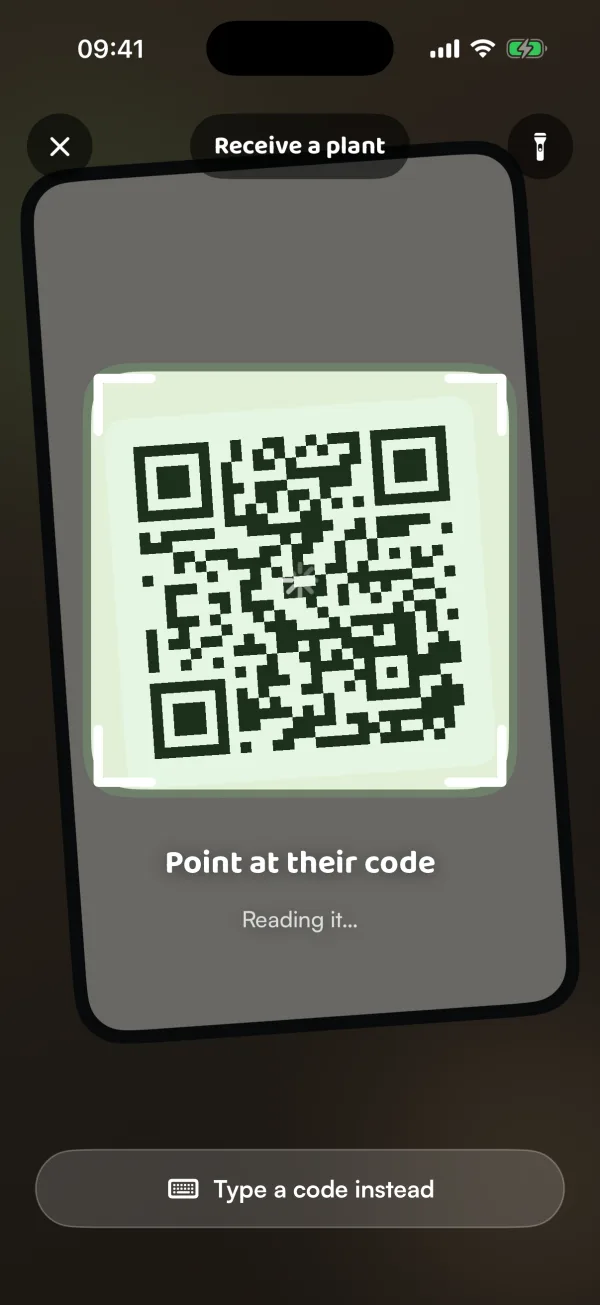
When a friend on Fern gives you a cutting or a whole plant, it can come with its species, its photos and its watering history, so Fern picks up its care where they left off. They show a code on their phone; you scan it or type it, and ask for the plant.
Get their code
- The person giving the plant opens it in Fern, taps •••, Give it away, A Fern grower, then Show a code. The code appears on their phone.
- On your phone, tap the + button, then Add a plant.
- At the bottom of the search, tap From someone on Fern ("Scan or type their code").
- Point at their code. Fern reads it as soon as it's in the frame. In low light, tap the light button at the top.
Can't scan it? Tap Type a code instead and enter the six letters and numbers shown under the code on their phone. The code changes every minute, so type the one showing now.
If they sent you a link instead, open it on your phone. A link works for 1 day.
Ask for it
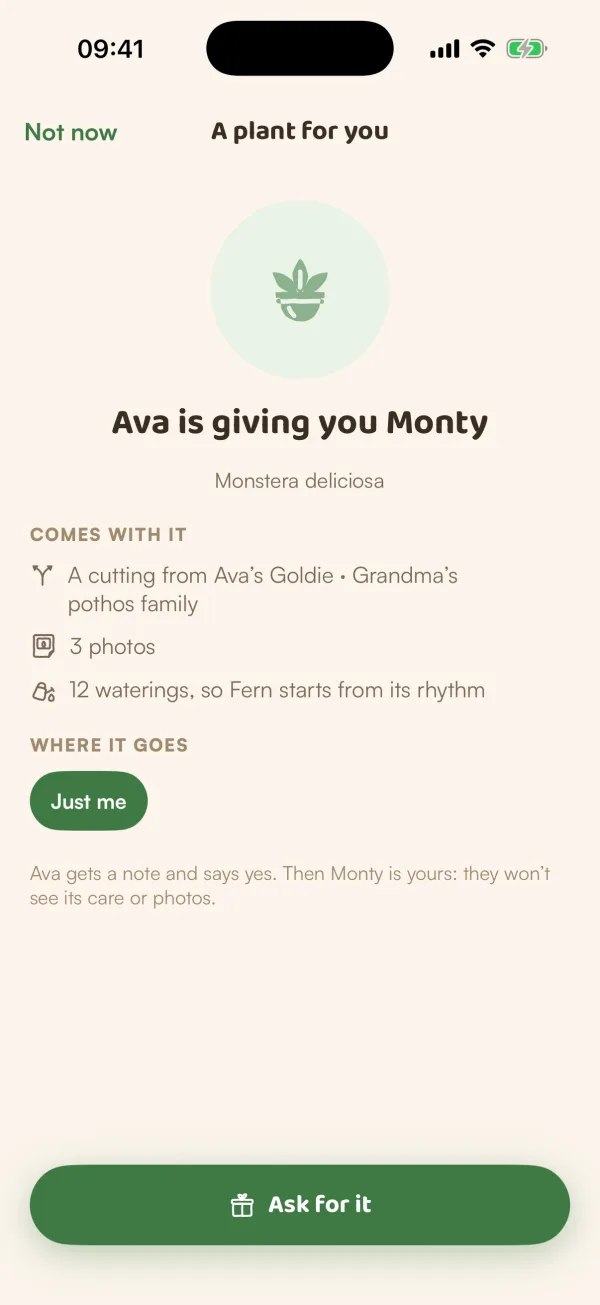
The screen says who is giving you what: "Ava is giving you Monty".
- Under Comes with it, check what you're getting: its photos, its waterings ("so Fern starts from its rhythm"), or its species and care.
- Under Where it goes, choose Just me or one of your homes, then a room.
- Tap Ask for it.
If it's a swap, you also choose which of your plants goes to them, under "It's a swap: one of yours goes to Ava".
Wait for a yes
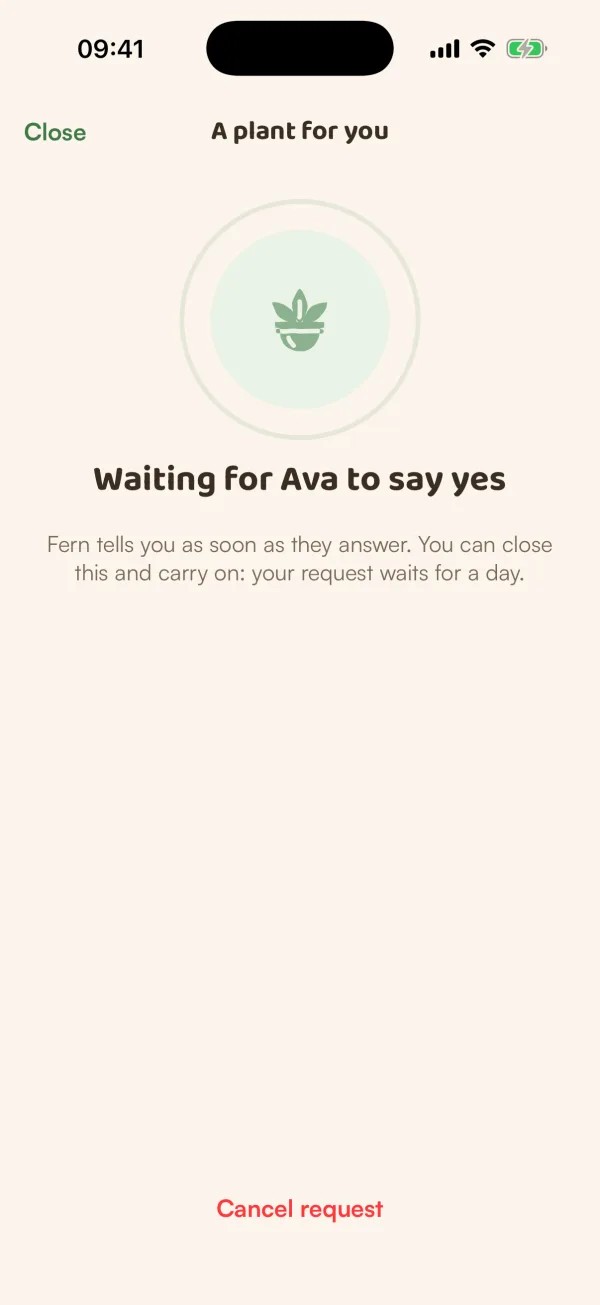
Fern shows Waiting for Ava to say yes. They get a note and say yes. "Fern tells you as soon as they answer. You can close this and carry on: your request waits for a day."
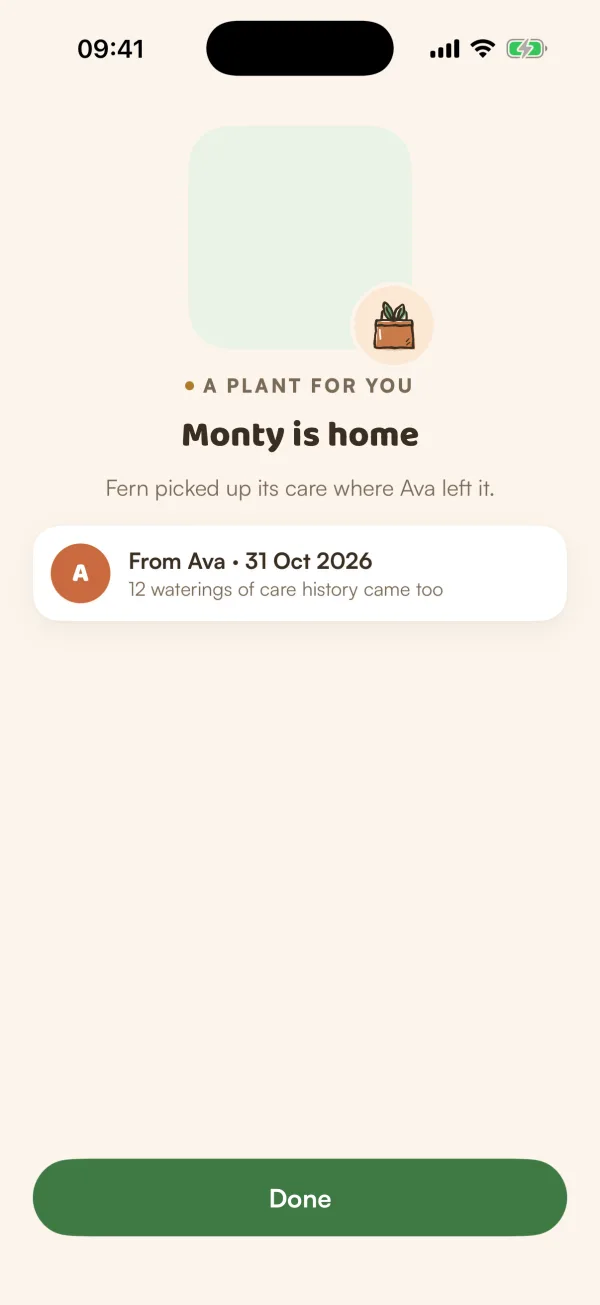
When they say yes you see Monty is home: "Fern picked up its care where Ava left it." The plant is now in My Plants, and they no longer see its care or photos.
To change your mind while you wait, tap Cancel request.
Free and Fern Pro
Receiving a plant is free. On the free plan Fern looks after one plant, so a plant you receive when you already have one rests: it keeps its history and photos, but gets no reminders. Fern says "Resting on the free plan — Fern Pro looks after them all". See When the free trial ends.
On the free plan with a plant already, Add a plant shows a lock, so From someone on Fern isn't there to tap. Ask the giver to send you a link instead, and open it on your phone.
What if…
What if it says "That code just changed. Scan again."?
The code on their phone moved on while you were scanning. Point at it again, or type the new one.
What if it says "This code has been used or has run out"?
Ask them to show their code again, or to send a new link.
What if they don't answer?
Your request waits for a day. After that Fern says they didn't answer in time, and nothing changes in your garden. Ask them for a new code to try again.
What if they said no?
Fern says "Ava said not this time." Nothing changes in your garden.